No ads. No tracking.
Videos start fast: 1080p by default on phones, and nothing extra is loaded before the first frame.

 A port of SmartTube, built for Android phones
StreamTube keeps SmartTube's engine and swaps the TV remote for touch: a portrait player, an in-app mini player, swipeable Shorts, comments you can write, downloads, background play and SponsorBlock, all in about 29 MB.
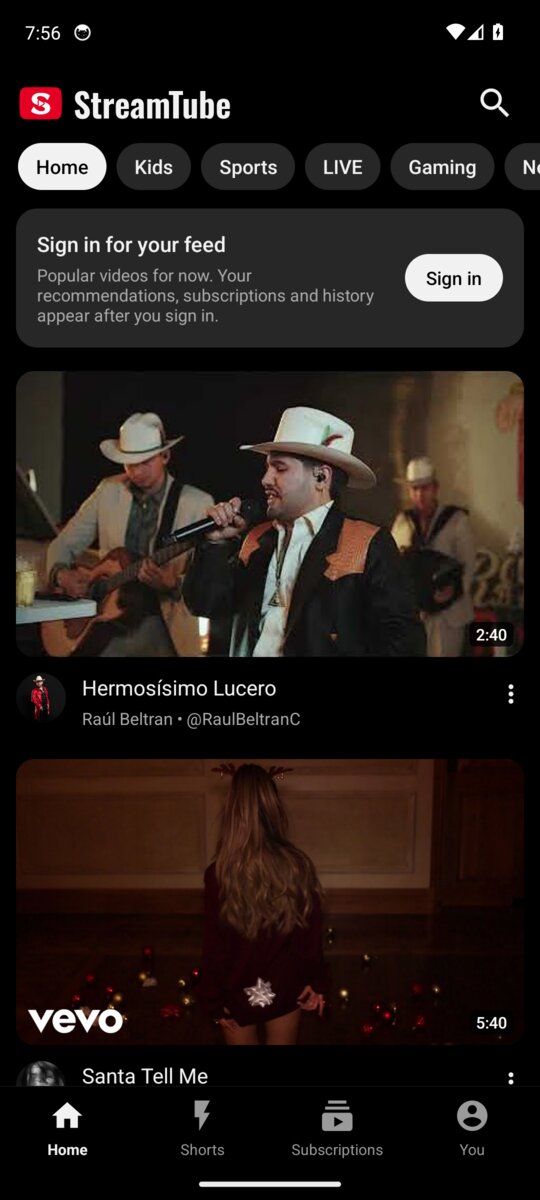
It looks and feels like the official app, with the ads removed and the good parts turned up.
Videos start fast: 1080p by default on phones, and nothing extra is loaded before the first frame.
Automatically skips sponsor segments, intros, outros and reminders to subscribe.
Video on top, then title, channel, buttons, comments and recommendations. Rotate for full screen.
Swipe the video down and keep watching in a small draggable player while you browse.
Lock the screen or switch apps: sound keeps going, with controls on the lock screen.
A full-screen vertical feed. Swipe up for the next one, like, comment and share on the right.
Total count, Top or Newest, reply threads. Write and delete your own when signed in.
Save MP4 from 1080p down to 360p, or audio-only M4A, straight to Download/StreamTube.
Every quality your phone can handle, plus speed, captions, zoom gestures and quick seeking.
Works on de-Googled devices and installs beside the official YouTube app without conflicts.
Pure black for AMOLED screens, a clean light mode, or follow your system. It switches instantly.
See what's new and install fresh builds from inside the app. You stay signed in.
The video you stop on plays right in its thumbnail, muted. Drag its seek bar, tap to watch from there.
A soft glow of the video's own colours around the player, changing with the picture.
Chapters on the seek bar, a list to jump to any of them, and a picture of where you're seeking.
The song playing, edge to edge in its own colours, with Play and Next. Fits any size.
Songs from Music, a search or any video open in a player made for listening: big artwork, lyrics in time, and a background made from the song itself.
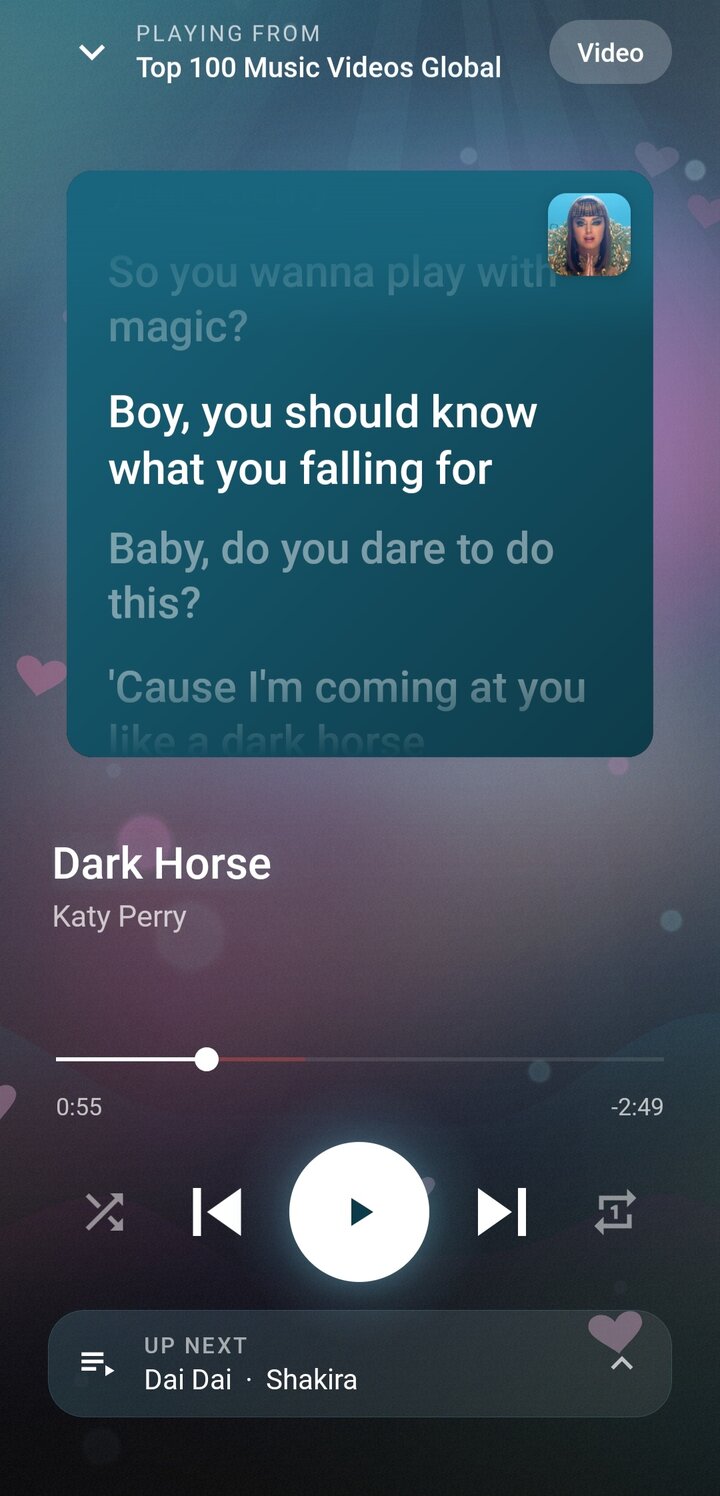
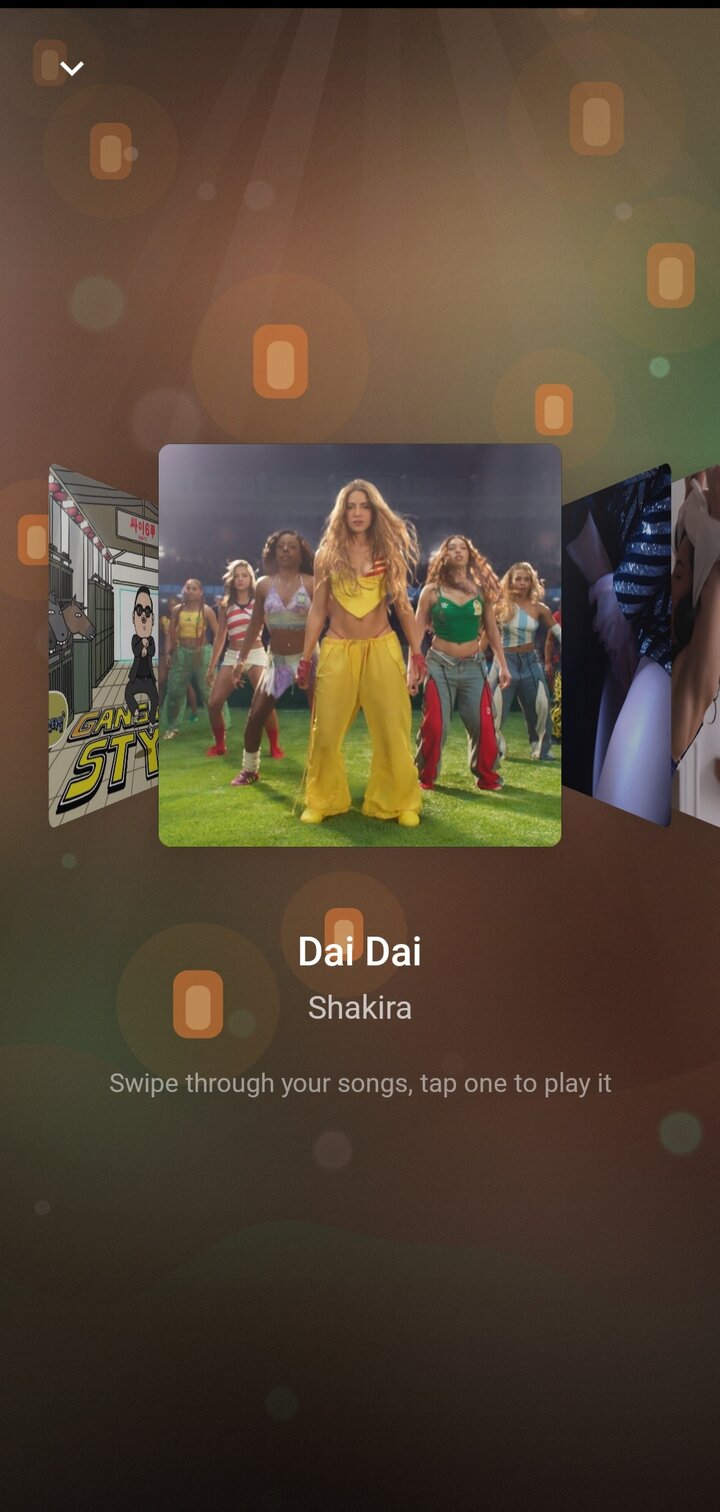
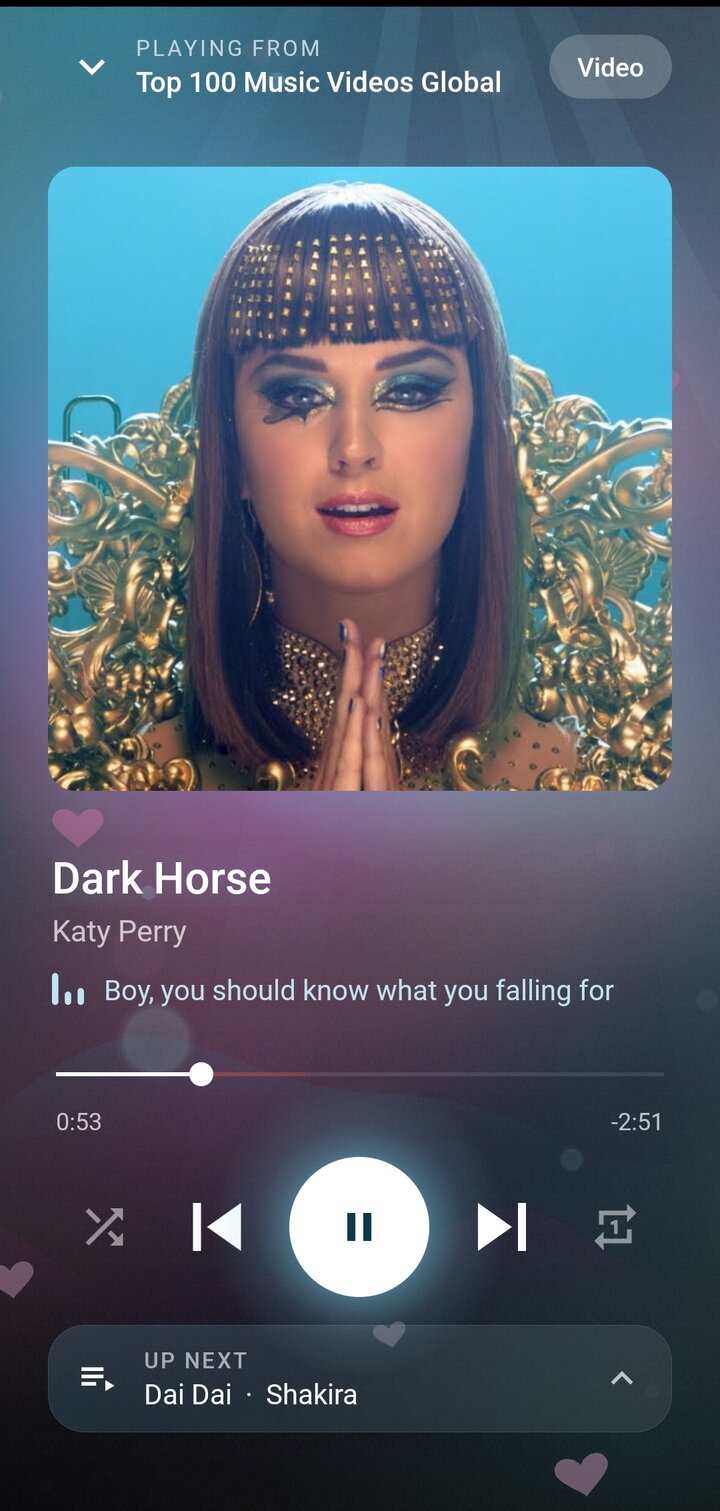
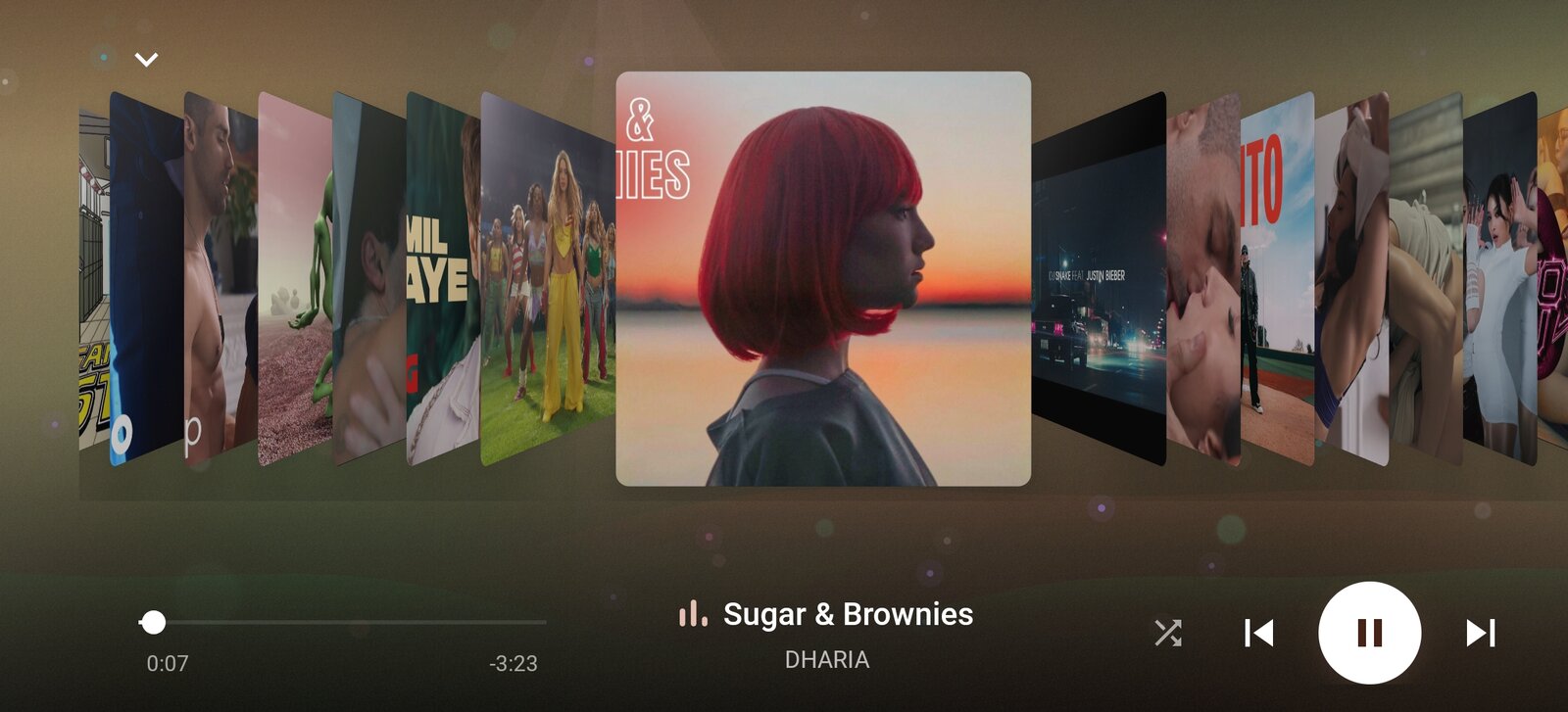
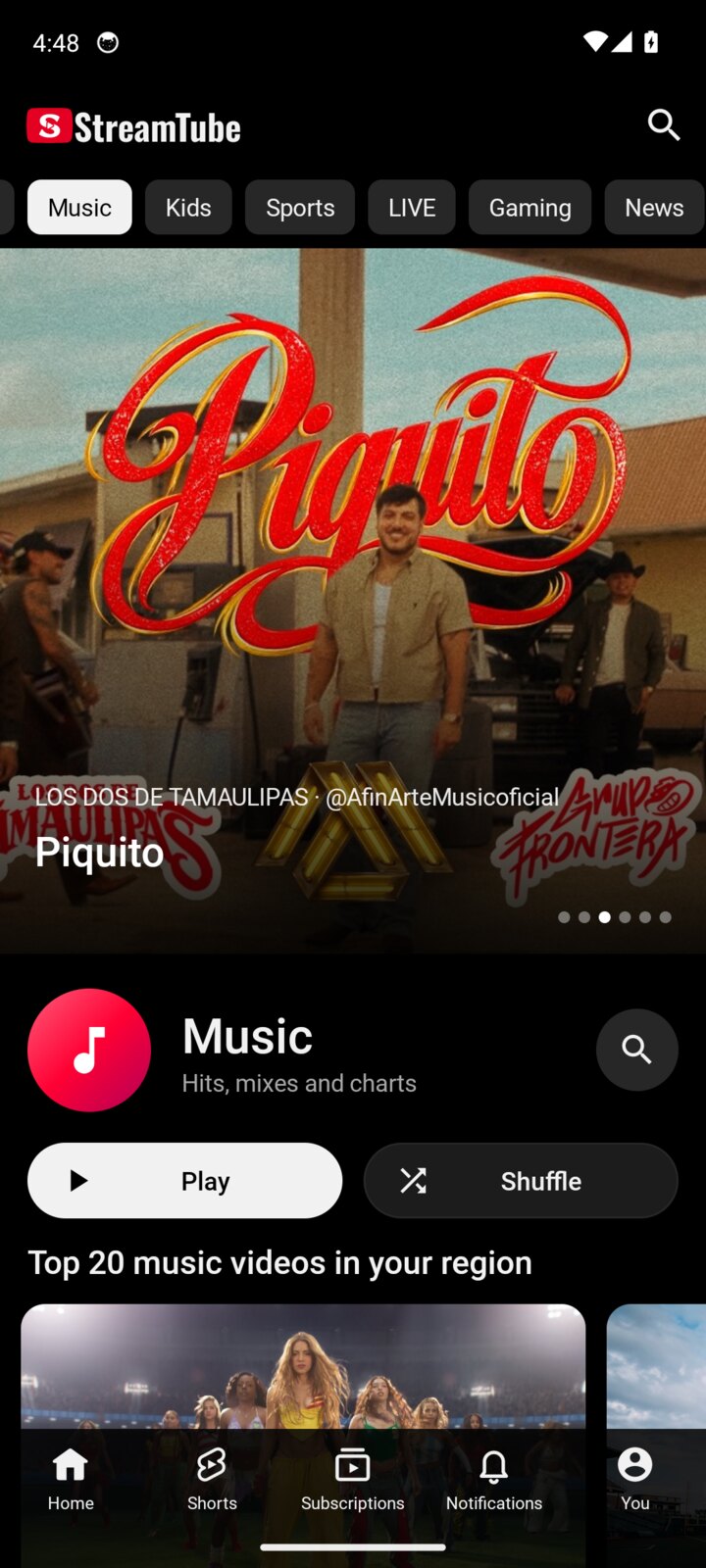
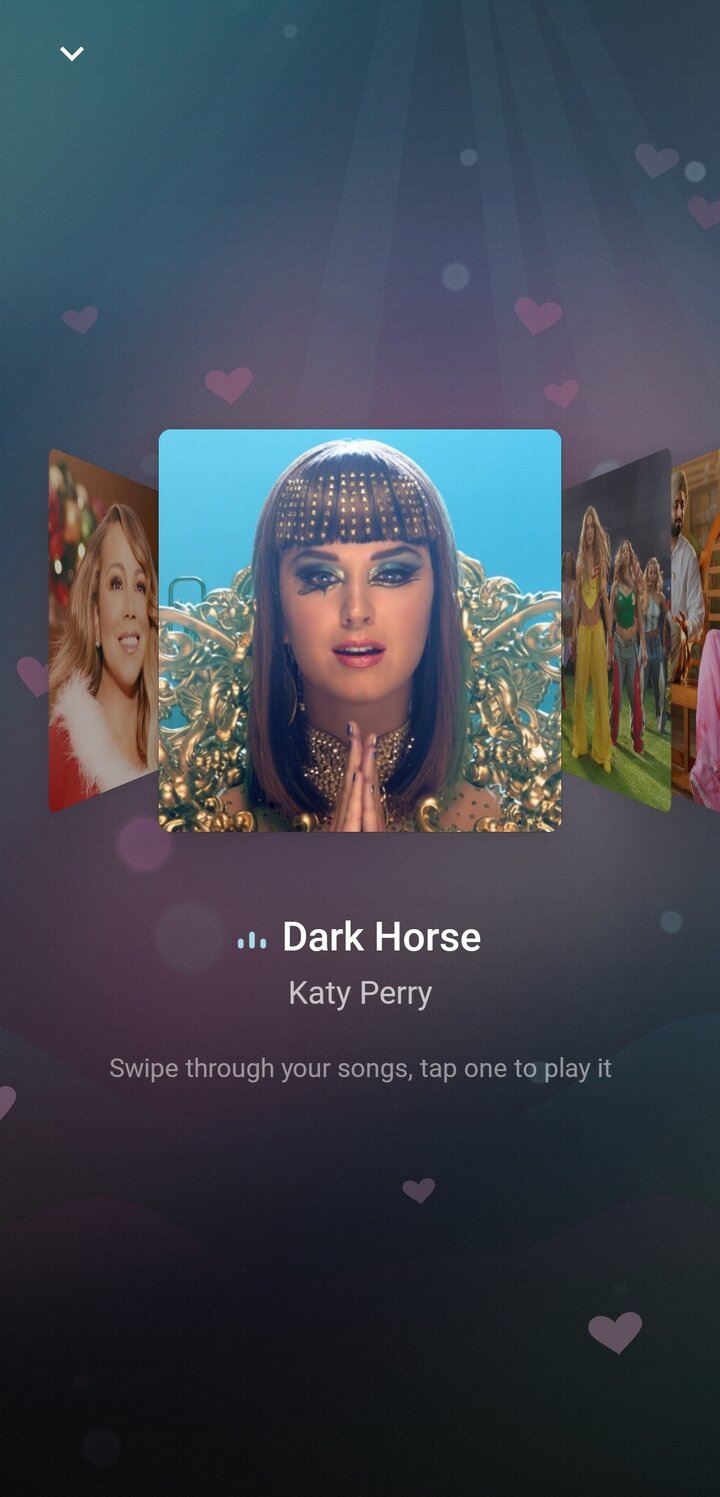
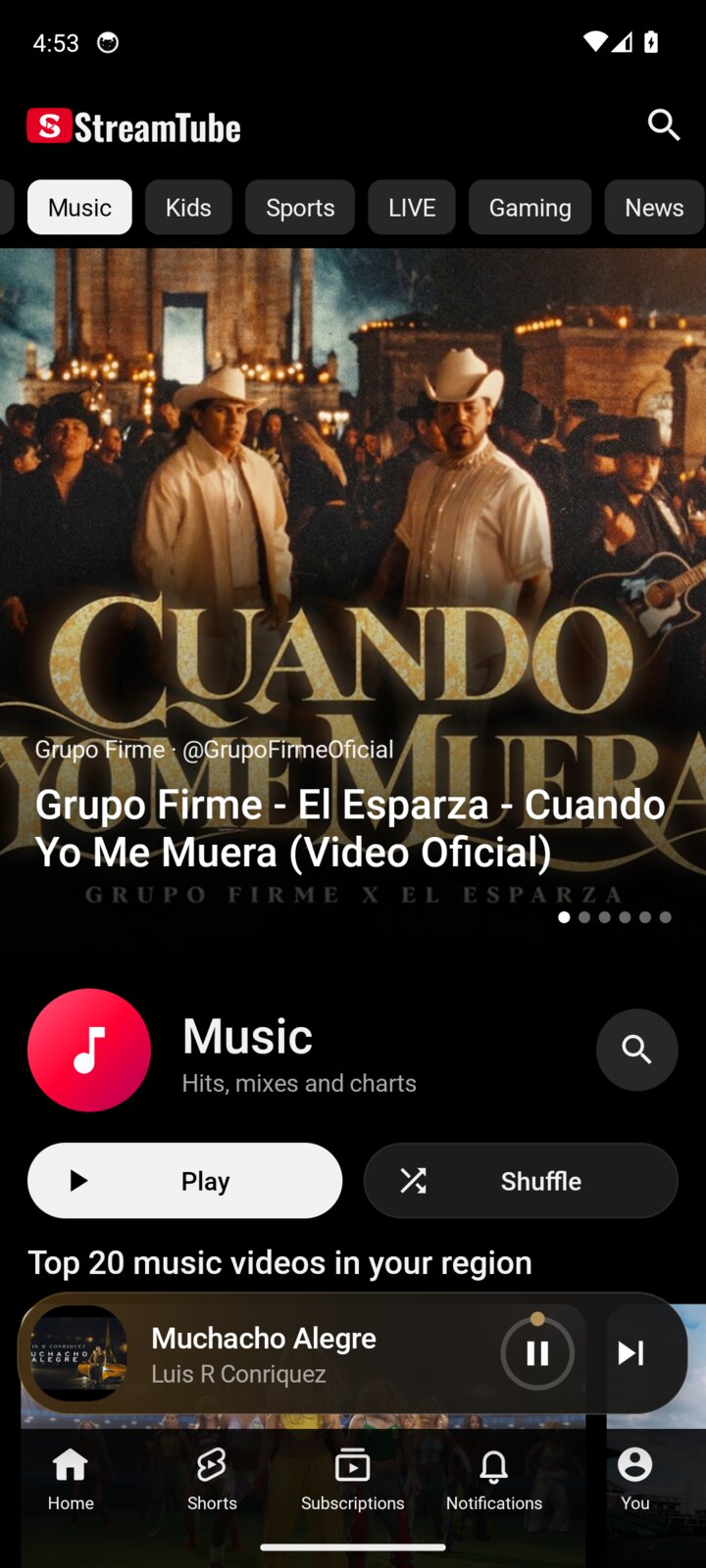
Swipe through the app, from the Home feed to Shorts, comments and the mini player.
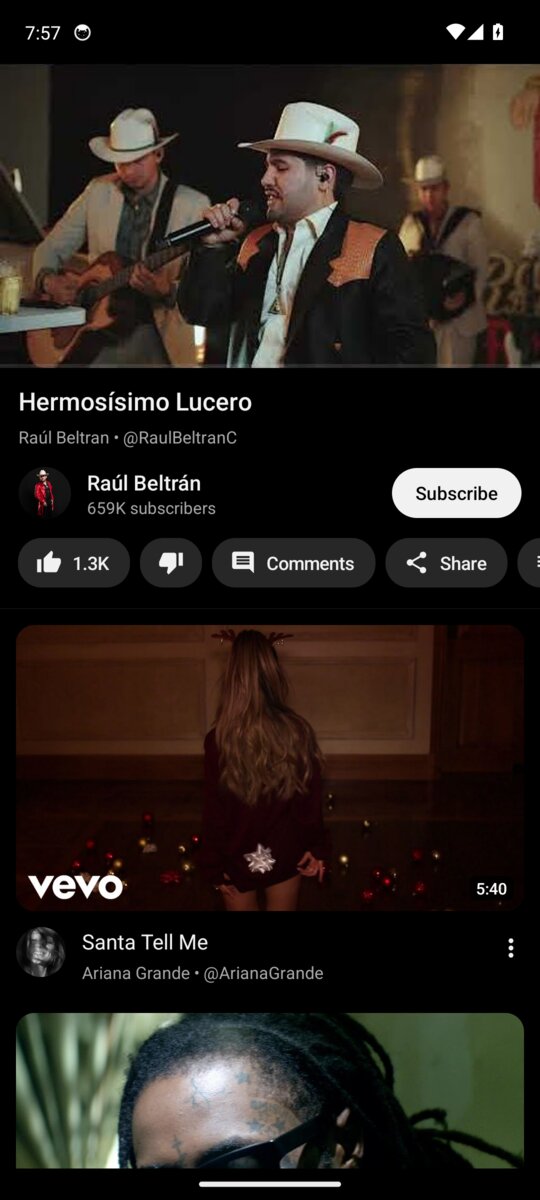

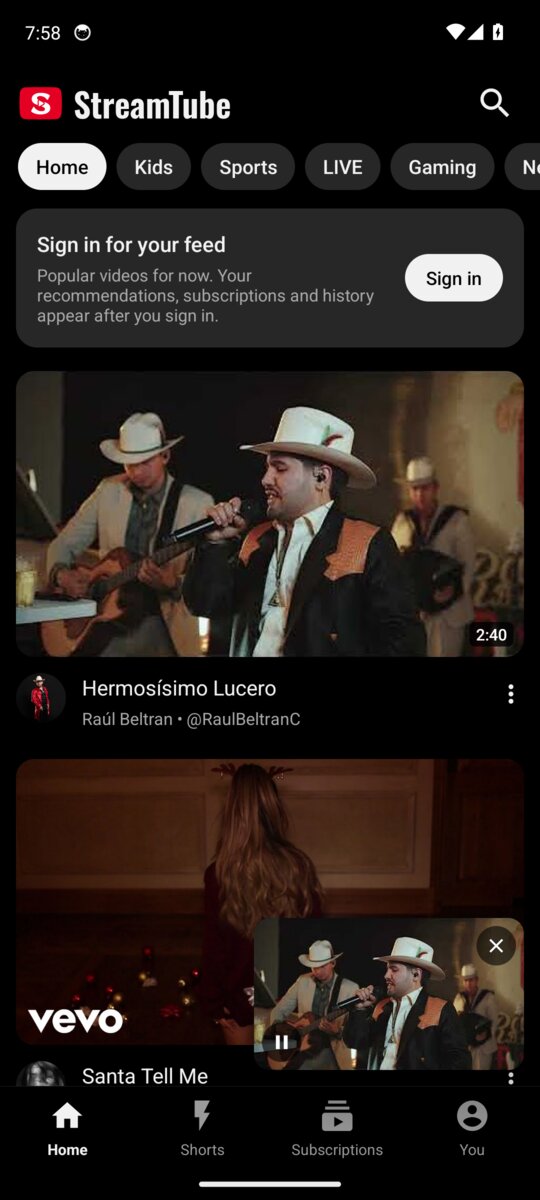

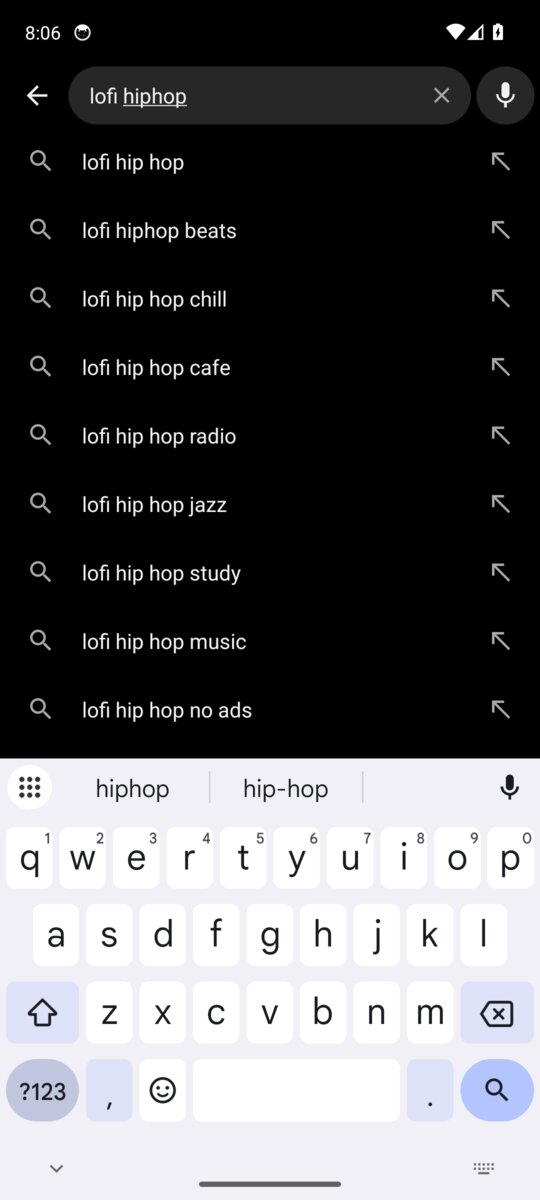
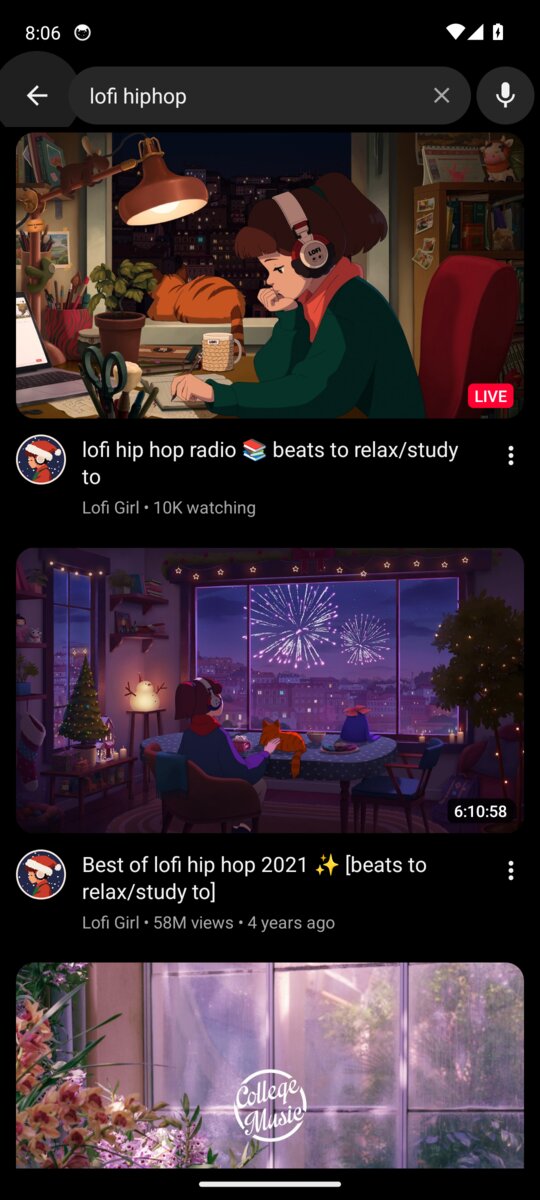
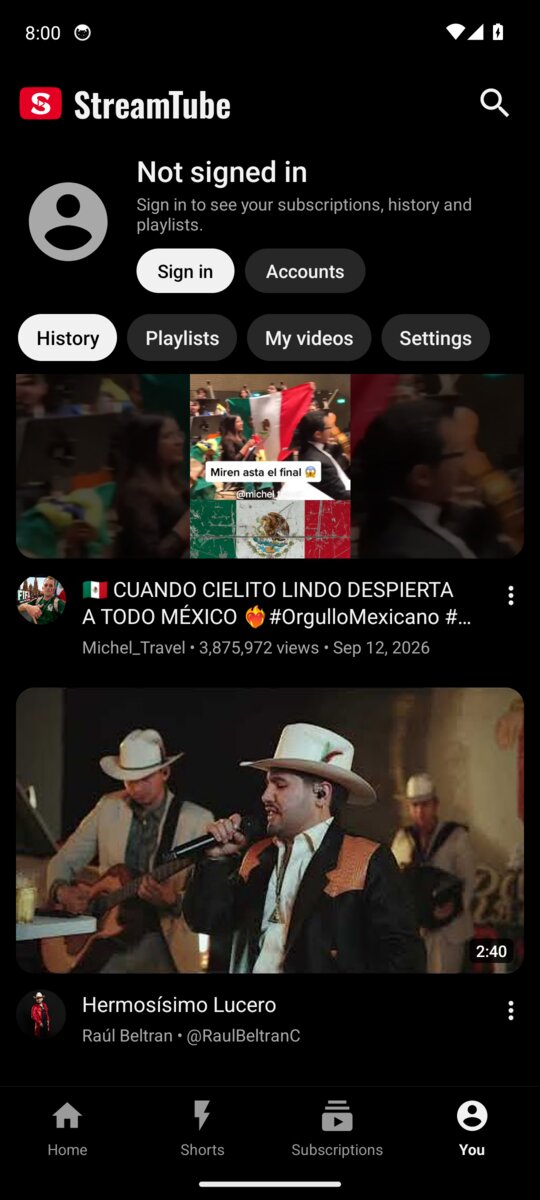
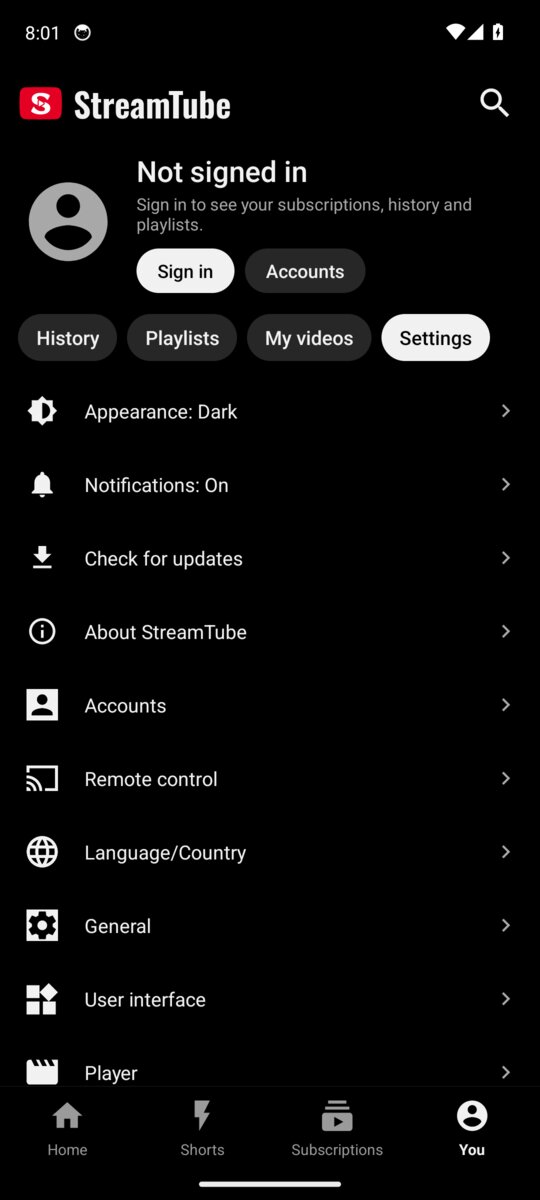
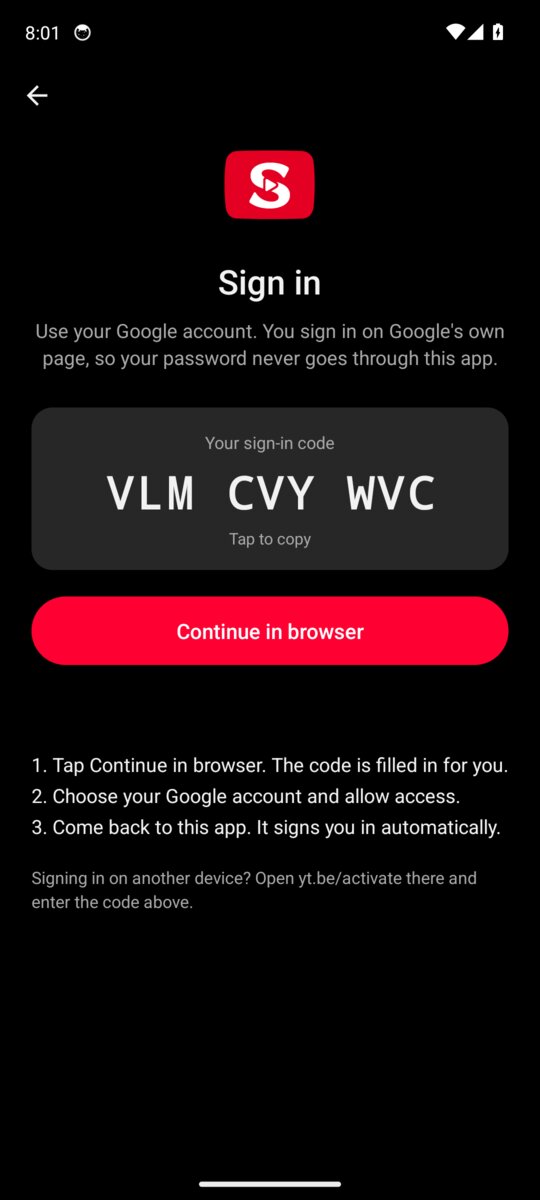
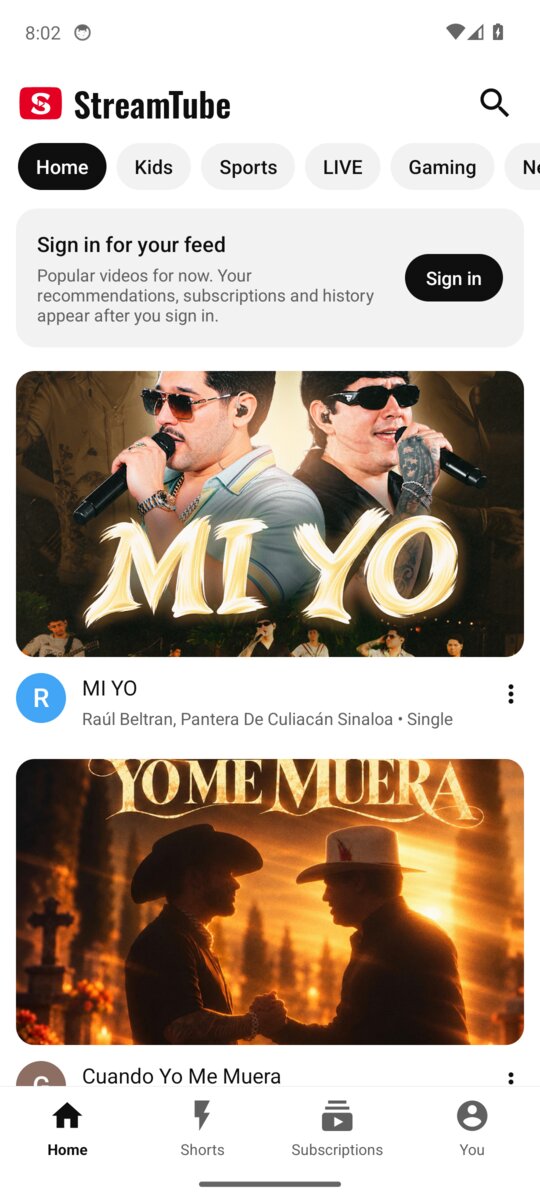
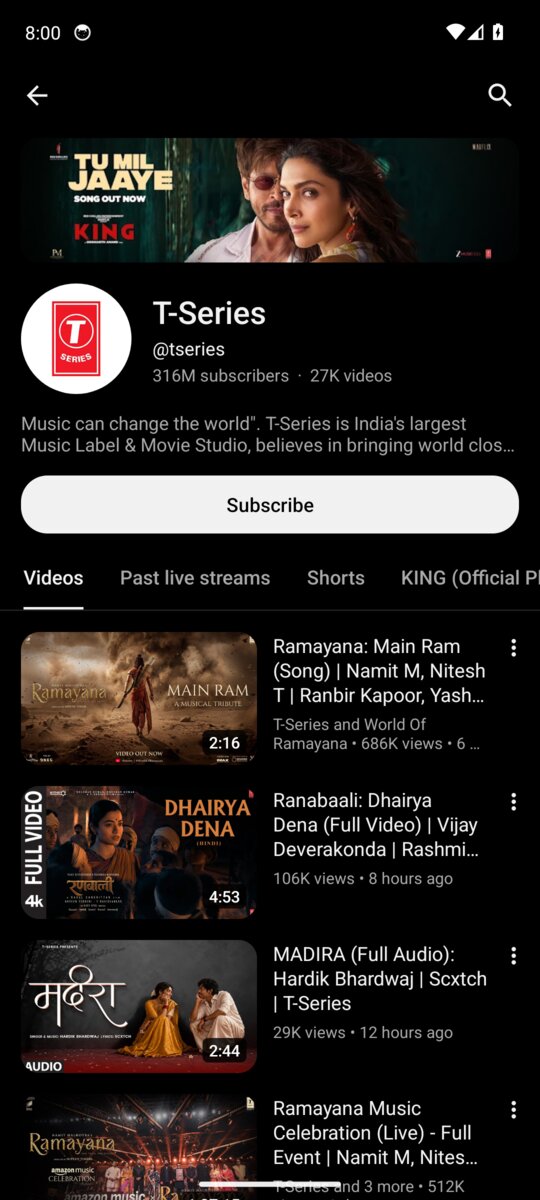
SmartTube's engine underneath, a gesture-driven phone UI on top.
| Tap | Show or hide the controls |
| Double-tap left / right | Jump back or forward |
| Swipe left half | Brightness |
| Swipe right half | Volume |
| Swipe up on the video | Go full screen |
| Swipe down in full screen | Leave full screen |
| Pinch out / in | Zoom to fill / original size |
| Rotate | Enter or leave full screen |
Videos open with a smooth expand-from-thumbnail animation, and seeking is just dragging the red bar.
Signing in works exactly like a smart TV: the app shows a short code, you approve it on Google's own website. That's it.
No Play Store, no account required to watch. Android 8.0+ on an ARM phone.
arm64 for almost every phone since 2017. Not sure? Grab the universal one: the in-app updater picks the right build next time.
Tap the finished download, then let your browser install apps when Android asks (Settings → Allow from this source).
If Play Protect warns about an unknown app, tap More details → Install anyway.
Home shows popular videos straight away. Sign in only if you want your subscriptions, playlists and comments.
Yes: MIT licensed, source public, builds signed by GitHub Actions. It's an independent project: not affiliated with SmartTube's developer, YouTube or Google.
Play Protect sometimes flags open-source apps installed outside the Play Store. Tap More details → Install anyway. The code and build pipeline are public in this repository.
On builds 39–51: install the latest APK manually once; it installs over your app and keeps your settings. From build 38 or older: those used a temporary signing key, so uninstall once, then install the latest APK. Every update after that is normal.
Check your connection and turn off Private DNS, ad-blocking DNS or VPN apps that block YouTube or Google, then tap Try again.
YouTube sometimes asks this on shared or busy networks and with VPNs. Signing in usually fixes it; switching between Wi-Fi and mobile data can help too.
Open the player settings and pick a lower quality (1080p is the default on phones), or turn off high frame rate.
Turn on notifications (You → Settings → Notifications) and set StreamTube's battery usage to Unrestricted (on OnePlus, Xiaomi, Samsung and similar phones).
Free, open source, about 29 MB. Installs beside the official YouTube app.